
Kickoff Without Chaos: Why Meeting Labels Needed a Reset
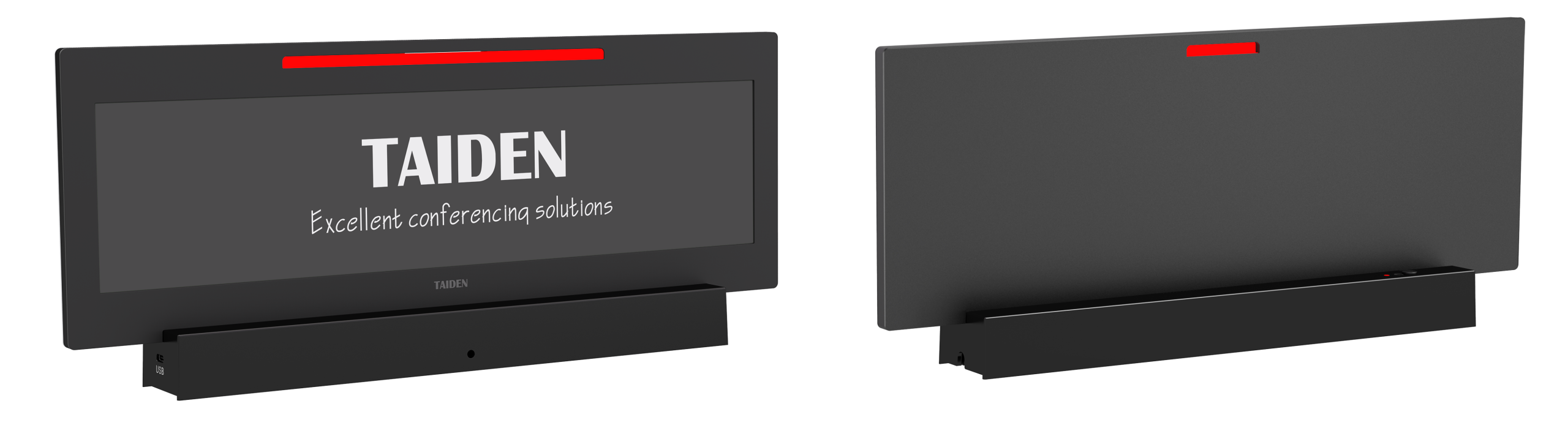
Here’s the truth: meetings stall before they start. A digital name plate can fix that. Teams now try an electronic nameplate for conference to stop the seating scramble and last‑minute print woes. In large rooms, admins report setup delays of 8–12 minutes per session, often due to shuffled agendas and swapped attendees. Multiply that by ten meetings a day and you see the toll. Look, it’s simpler than you think—if the system updates names on the fly, shows roles, and syncs with calendars, people sit faster and talk sooner. But why do many “smart” placards still feel slow or brittle? And what happens when networks hiccup, or a VIP arrives unplanned? We need tools that behave like teammates, not gadgets.
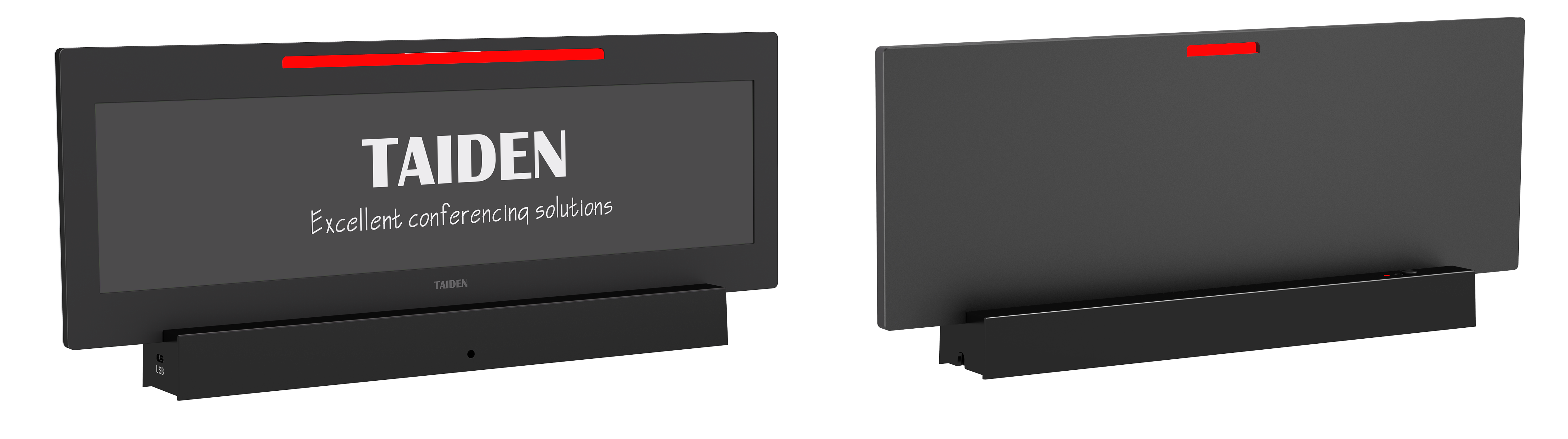
Modern panels promise fast updates and long battery life, yet many fail in the rush. Some rely on weak connections; some can’t handle bulk pushes; others choke when rooms are dense with devices. The gap shows up in the first five minutes. Solid designs use low-latency mesh links, smart power converters, and even edge computing nodes near the room to keep changes local. They also support firmware over‑the‑air (FOTA) so fixes don’t wait for IT. The goal is simple: get people started, keep them focused, and remove micro-friction. Next, let’s name the frictions you don’t see—but feel.
The Hidden Friction No One Mentions
Why do basics still fail?
Paper placards look easy until the agenda shifts. Reprints cost time. Handwritten edits look sloppy. And when you add hybrid schedules, last‑minute security clearances, or side‑meetings, things break fast—funny how that works, right? Digital panels help, but only if they solve quiet pain points. First, provisioning. If pairing takes minutes per unit, admins lose an hour on a big board meeting. NFC provisioning can cut that to seconds. Second, charging. If devices rely on random USB cables, you get uneven uptime. A dock with a smart battery management IC keeps health stable and predictable. Third, connectivity. RF interference near glass walls or crowded halls can block updates. A resilient, channel‑hopping radio stack and a room‑level gateway reduce dropouts.
There’s also the content path. Many systems bury updates in an old content management system (CMS), so staff click through five screens just to change one title. That’s avoidable. A clean admin console with bulk edit, role-based access, and a quick search is faster. Add BLE beacon fallbacks so names can update even if Wi‑Fi stutters. Include PoE switches for steady power at gateways. And make sure the display logic is simple: name, role, affiliation, status. Extras like a capacitive touch controller for “Speak,” “Vote,” or “Mute” must not hinder the basics. When the flows are tight, people stop noticing the tool—and meetings feel calm.
From Paper to Platform: Principles That Will Matter Next
What’s Next
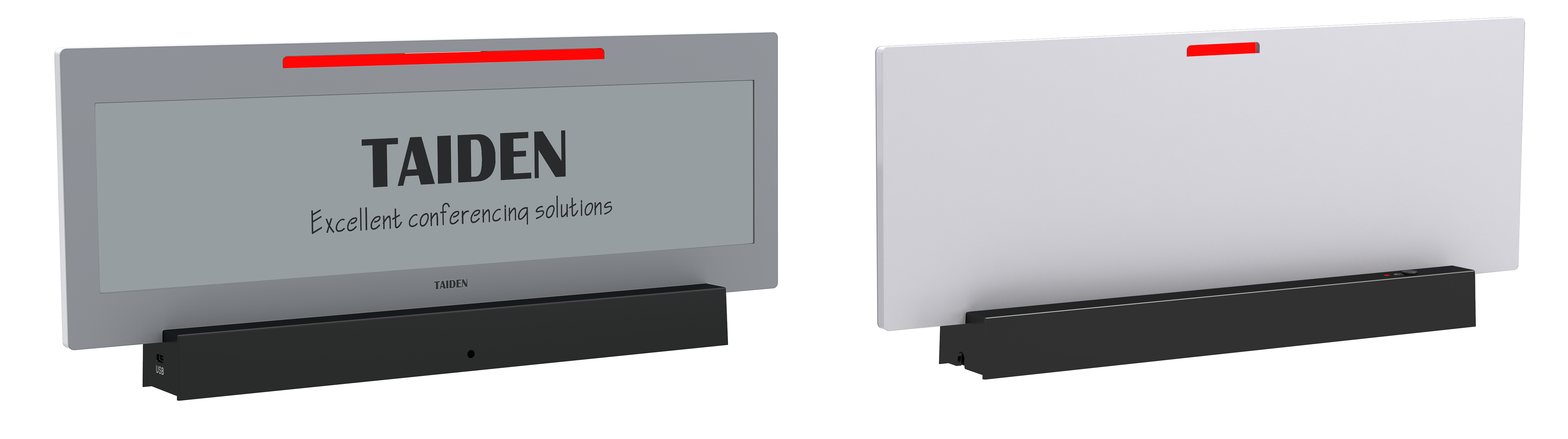
The next wave isn’t more screens. It’s smarter flow. An e ink meeting room display and a digital placard can work as one system, sharing a calendar source, a security model, and a local cache. The core principle is simple: keep data near the room, not just in the cloud. Edge computing nodes handle name updates, seating swaps, and badge checks right at the doorway. E‑paper is bistable, so it sips power and holds an image with the radio off. A low-latency mesh (BLE 5 or sub‑GHz) bridges the table. Gateways use power converters and PoE to stay stable. When a change lands, devices confirm by hash, then render. If the network blips, the room still operates. If policy shifts, FOTA pushes a new rule set overnight.
Security and scale go hand in hand. Use per-device keys, signed manifests, and on-desk rate limits to protect against spam updates. Keep a dry-run mode so an admin can preview layouts before a summit. And link the system to calendars, visitor systems, and translation tools through APIs. The result is a platform, not a pile of gadgets—reliable in boardrooms, press briefings, and council chambers. It also pairs well with an e ink meeting room display outside the door, so the inside and outside views always match (no more awkward “Is this the right room?” moments). The real win is momentum: quick starts, clear roles, smooth handoffs.
Before you choose, use three practical checks. One: resilience—can it update 100 units in under a minute, and recover from RF interference without a manual reboot? Two: manageability—does the console support bulk edits, NFC provisioning, and audit logs, plus simple FOTA? Three: power and longevity—are battery cycles predictable, and are gateways anchored by PoE with proper power converters? If a solution clears those bars, it will cut setup time, reduce admin stress, and make every seat count. That’s the quiet edge your meetings deserve, and it’s where thoughtful brands like TAIDEN keep moving the field forward.