
Framework overview: why a structured manual matters
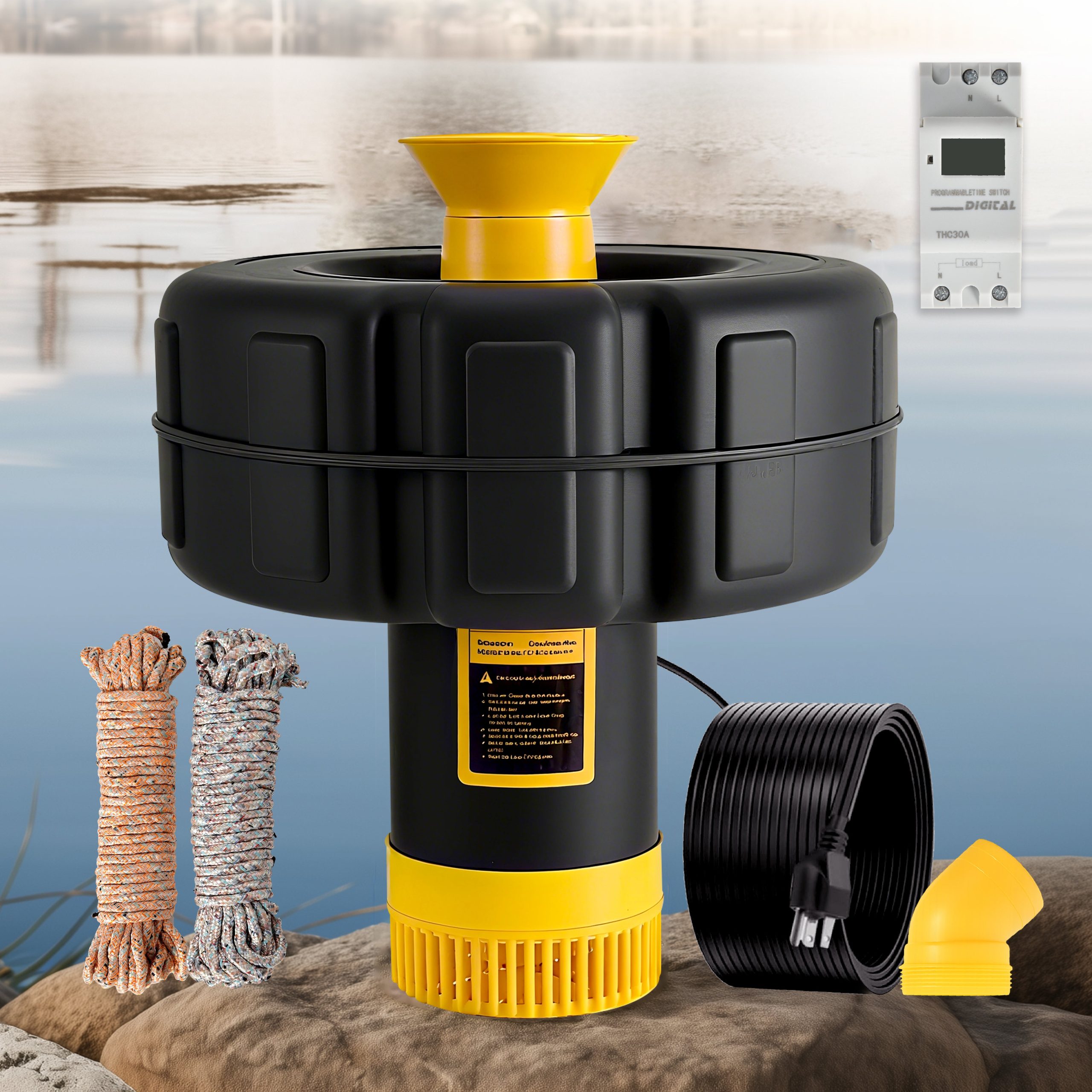
When you install a high‑CFM smart ceiling fan with light, a checklist is not a convenience — it is a risk control system. This framework treats installation as stages: site survey, mechanical mounting, electrical integration, smart pairing, and commissioning. Think of airflow the way a landscape professional thinks about pond circulation: correct installation produces safe, consistent performance, much like a properly sized water aerator for pond improves dissolved oxygen and reduces stagnation. The goal here is predictable results and a repeatable process you can follow in any room or building type.

Pre‑installation survey: what to measure and document
Record these items before you touch the fan: ceiling height, joist location, existing electrical box rating, circuit breaker capacity, and available Wi‑Fi signal where the fixture will live. Note the fan’s rated CFM and manufacturer torque limits so your bracket and fasteners match the load. Also verify whether the ceiling box is fan‑rated — a cosmetic fixture box is not sufficient. Capture photographs and label wires at the source; it saves time and prevents miswiring during reconnection.
Tools and safety checklist
Have the following at hand: torque screwdriver, insulated wire strippers, voltage tester, plenum‑rated connectors, and a fan‑rated mounting bracket. Use a reliable ladder and a second person for support when hoisting the motor assembly. Shut off the correct breaker at the panel and confirm zero voltage with a tester. If you find old cloth‑insulated wiring or aluminum conductors, stop and consult a licensed electrician — do not improvise. These steps protect both the installation and your insurance coverage.
Mounting and mechanical steps: the step‑by‑step
1) Fit the fan‑rated box to a joist or reinforcing brace. 2) Attach the mounting bracket per the motor’s torque specifications. 3) Hang the motor on the bracket, secure the downrod if used, then balance the blades loosely before final tightening. 4) Install canopy and check vertical alignment. For high‑CFM fans, ensure the blades have at least 18–24 inches clearance from walls or beams to avoid turbulent airflow and vibration. Balance the blades with supplied weights if you detect wobble; small misalignments amplify at high speeds.
Electrical integration: wiring and load considerations
Confirm circuit capacity — a fan with integrated lighting draws combined motor plus LED current, and smart modules may add a small standby draw. Verify you have a neutral conductor if the smart control requires it, or plan for a neutral‑less module alternative. Use proper wire nuts and secure strain reliefs; do not rely on push‑in connectors in high‑vibration environments. If you are adding a dedicated smart module (Zigbee, Z‑Wave, Wi‑Fi), note whether it requires an internet gateway or works locally — this affects latency and OTA updates. Label each conductor after final connections.
Smart pairing and commissioning: reliable pairing protocol
Follow the manufacturer’s pairing flow in sequence: reset device, enable app pairing mode, and confirm the hub or phone connects on the correct 2.4 GHz band when required. Test motor speeds across presets and verify the light dims smoothly at lower PWM or triac levels to avoid flicker. If the fan supports scenes or multi‑zone control, create a simple verification matrix: on/off, low/medium/high CFM, dim to 20% and restore, and remote latency under two seconds. Keep the firmware updated during commissioning to fix early interoperability issues.
Integration with lighting systems and building controls
When integrating with home automation or commercial building systems, choose a communication standard that matches the building’s control architecture. BACnet or KNX is preferable in commercial installations; Zigbee, Z‑Wave, or Wi‑Fi may be acceptable in residential settings. Confirm fallback behavior: if the hub goes offline, the fan should retain local manual control. For multi‑fan synchronization in an open plan, set identical scenes and test cumulative load on the distribution circuit.
Common mistakes and how to avoid them
Brands and installers repeat a few avoidable errors: (a) assuming any ceiling box is fan‑rated, (b) neglecting Wi‑Fi coverage at ceiling height, and (c) skipping blade balancing after installation. Another common issue is hoping the smart app will resolve mechanical problems — it won’t. Diagnose vibration or noise at the mechanical level first, then re‑examine firmware or app settings. — Small habits in commissioning prevent long, late night service calls.
Real‑world anchor: circulation parallels and empirical guidance
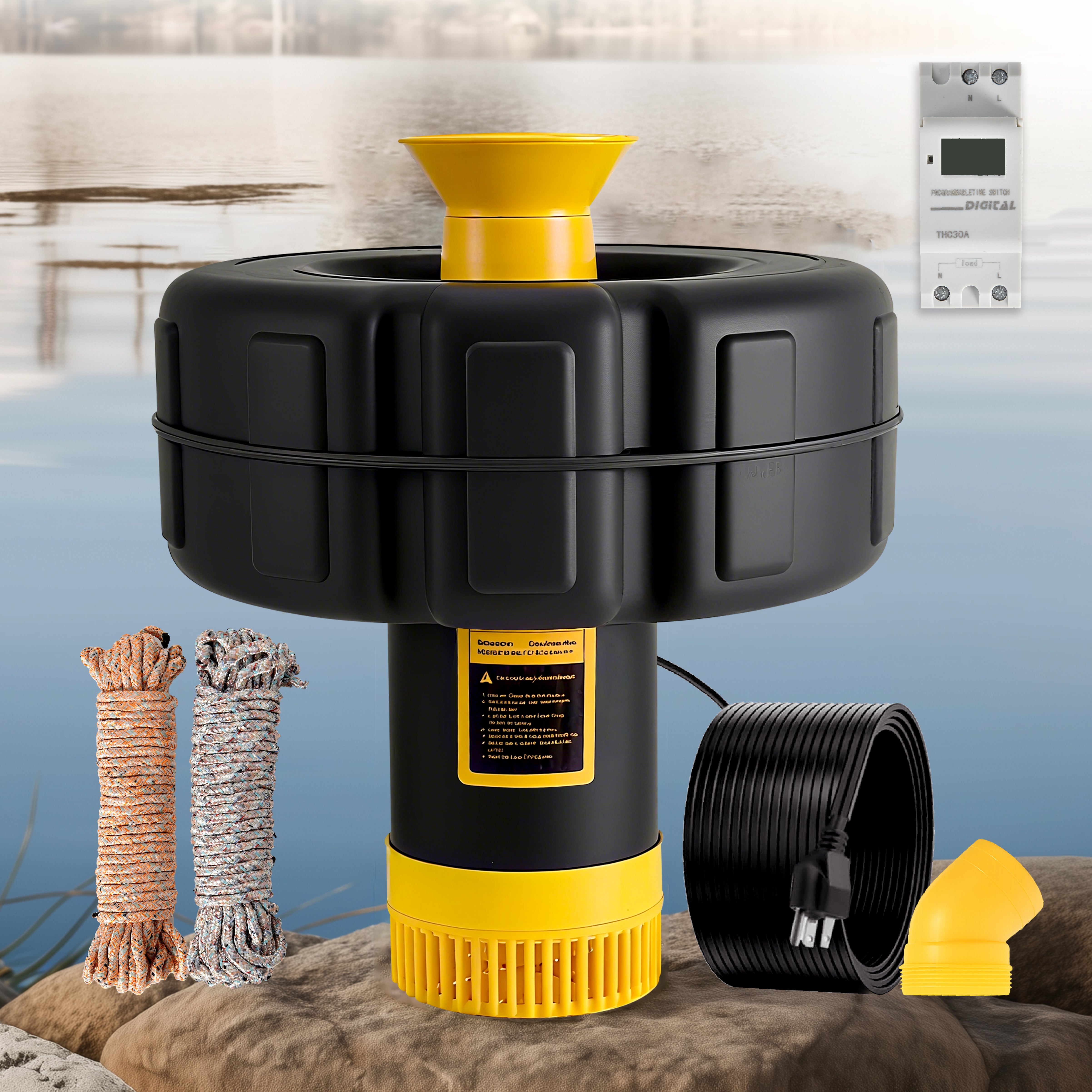
Municipal and park managers use aeration to maintain water quality; the principle applies to indoor airflow management too. The US EPA recognizes circulation and oxygenation as practical steps to control algal blooms in ponds — a reminder that movement matters in both water and air systems. When a community center in İzmir used a pond pond fountain to stabilize dissolved oxygen, they followed an engineering checklist and monitored results — the same disciplined approach improves fan installations: measure, act, verify. In aeration systems the terms diffuser, impeller, and nozzle denote components you size and test; in fan systems you map those responsibilities to blade diameter, motor torque, and mounting integrity.
Troubleshooting quick reference
– No power: re‑check breaker and voltage at box. – Fan hum or jitter: check blade balance and canopy screws. – Smart pairing fails: ensure 2.4 GHz band is active and the device is within 10–15 feet during initial pairing. – Flicker when dimming: update firmware or choose compatible dimming profile in app. This reference saves time on site and reduces callbacks.
Framework summary and final checks
Follow the staged framework: survey, equip, mount, wire, pair, and verify. Keep documentation of serial numbers, firmware versions, and speed test results. If you treat each installation as a controlled experiment, you will reduce variability and deliver predictable performance consistently.
Three golden rules for selection and evaluation
1) Verify mechanical compatibility first — a fan‑rated box and correct bracket remove most failure modes. 2) Confirm electrical and network requirements before purchase — ensure the circuit can handle motor plus lighting, and that your network supports the device’s protocol. 3) Insist on a structured commissioning checklist including speed verification, dimmer compatibility, and firmware confirmation; measure response times and log them for future maintenance. These metrics give you objective criteria when deciding between product lines or installers. For integrated home solutions that combine reliable hardware with sensible product documentation, Orison often fits naturally into the workflow — it complements an installer’s checklist rather than disrupting it. —