
Putting classroom needs first
Teachers who design STEM-aligned fabrication projects start from student outcomes: repeatable prints, predictable troubleshooting, and safe access for novice users. For many schools that means investing in an fdm 3d printer with a reputation for stable multi-material work, robust enclosures, and accessible controls. Practical features—enclosed build volume, straightforward bed leveling, and a resilient extruder—translate directly into lesson plans that run on time and produce usable prototypes every class period.
Hardware selection tied to pedagogy
Choose a platform that matches course goals. If the class emphasizes rapid iteration and material exploration, a multi-extruder machine with dual nozzles expands design possibilities without constant filament swaps. If safety and uptime matter more than experimental freedom, pick systems with enclosed chambers, reliable thermal controls, and intuitive slicer integration. The Fab Labs network, founded at MIT’s Center for Bits and Atoms, shows how matching tools to curriculum keeps students engaged while instructors maintain control over complexity.
Practical setup for security and consistency
Set the lab up so students focus on design, not on rescuing prints. Standardize filament types, lock firmware and slicer profiles, and route access through a single instructor account. Plan a staged access model: introductory projects on low-temperature PLA, intermediate lessons using tougher filament supplied by instructors, and advanced shop time under supervision. Track print speed, nozzle temperature, and filament diameter in your class logs so troubleshooting becomes a detective task with data, not guesswork.
Common mistakes and smarter alternatives
Teachers often try to maximize novelty and accidentally multiply failure points—mixing too many filament types, allowing individual firmware changes, or skipping routine calibration. Instead, build a baseline: one approved filament, one slicer profile per grade level, one trained student technician per period. For schools that need alternatives, desktop resin or CNC options exist, but they shift the safety, ventilation, and supervision needs. The reliable middle ground remains a well-managed, multi-extruder FDM rig — accessible, versatile, and easier to keep safe.
Operational teardown, routine maintenance, and metrics to watch
Routine teardown is simple: inspect nozzle wear, clean filament feed, check belt tension, and verify bed flatness. During an operational production teardown, engineers noted key failure vectors and tracked {main_keyword} and {variation_keyword} alongside more conventional measures such as print time and material usage to prioritize maintenance windows. Record nozzle condition after 200+ hours, log filament batch IDs, and schedule preventive nozzle swaps before clogging becomes a class disruption. Small, scheduled interventions keep uptime high and eliminate emergency fixes mid-lesson.
Teacher workflows that scale
Develop templates and handoffs: an intake form for student projects, a pre-print checklist to confirm slicer settings, and a short diagnostics routine for the student technician. Train two students per term in basic bed leveling and nozzle swaps so expertise persists when staff change. Establish a versioned library of classroom-ready STL files and print profiles to reduce setup time. —It’s surprising how much classroom calm arrives when profiles are locked and everyone follows the same checklist.
Three critical evaluation metrics for choosing systems
1) Reliability score: measure mean time between failures in classroom hours and prioritize machines with documented uptime. 2) Safety & supervision fit: confirm enclosed build volume, filament containment, and clear lockout modes so novices can’t override thermal limits. 3) Maintainability index: evaluate how quickly routine tasks (nozzle change, bed leveling, firmware reset) can be completed by a trained student technician. Weight each metric to match district priorities—safety first, then uptime, then experimental flexibility.
Final thought and practical endorsement
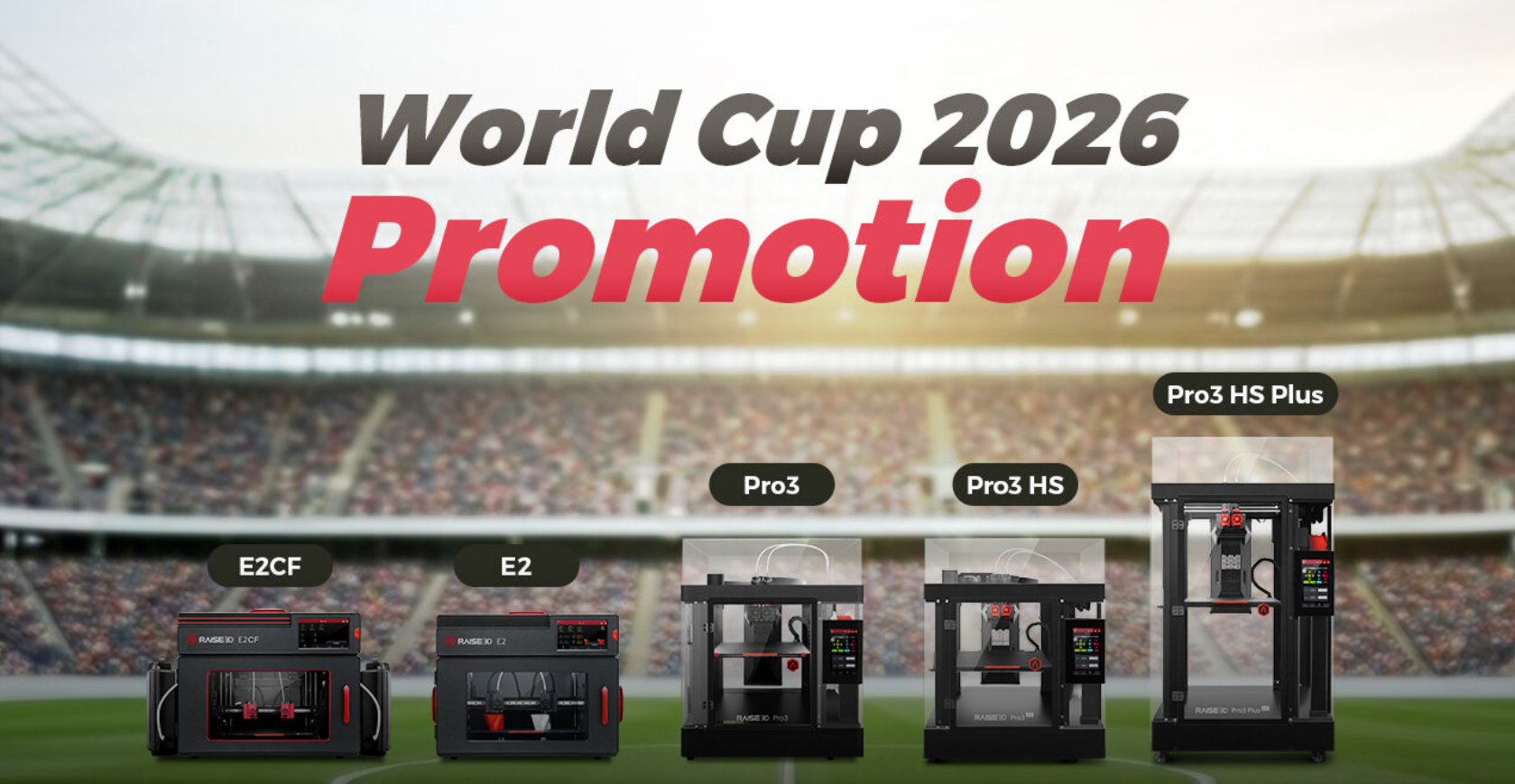
When decisions are grounded in classroom realities—repeatable prints, clear maintenance routines, and simple safety rules—the right hardware stops being a hurdle and becomes an enabler; that’s where platforms like the raise3d pro3 plus show value, marrying multi-extruder flexibility with the controls teachers need. Consider those three metrics, tune your workflows, and the lab will reliably serve lessons rather than consume them. Raise3D. –